
Modules
HyperIA, HyperLabel, and the upcoming HyperDrones module — and how that maps to the product UI.
H2M is organized into three modules. HyperLabel and HyperIA are available today; HyperDrones is not ready yet (planned). Each module covers a different part of the workflow: labeling data, training and evaluating models, or (eventually) working with drone-based, georeferenced scenes. In the app, the top bar follows the same idea: H2M → module → page (for example HyperIA → Training), so the docs mirror what you see on screen.
HyperIA
Datasets, training sessions, metrics, and band relevance for classification.
HyperLabel
Annotate hyperspectral data: bands, classes, and polygon regions.
HyperDrones
Drone datasets with location — not available yet; documentation is preliminary.
HyperIA
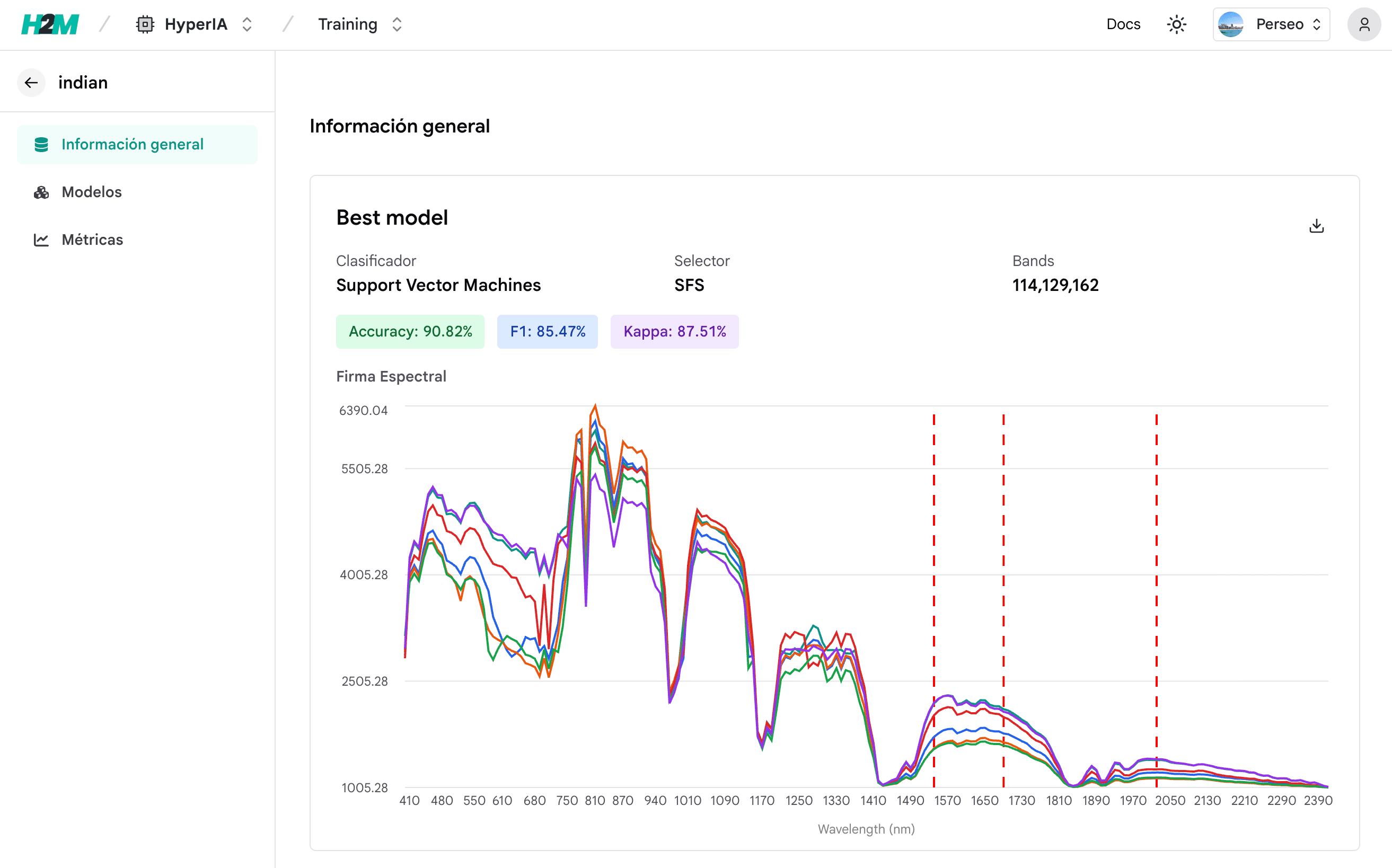
HyperIA is where you prepare data, train classical machine learning models for pixel-level classification, and review results. You can upload datasets, run trainings, inspect metrics (accuracy, F1, kappa, and similar measures), and explore which spectral bands contribute most to your model. Sessions are saved so you can compare runs and keep a clear history of experiments.
Use HyperIA when your goal is to move from labeled csv to trained models and interpretable band importance.
HyperLabel
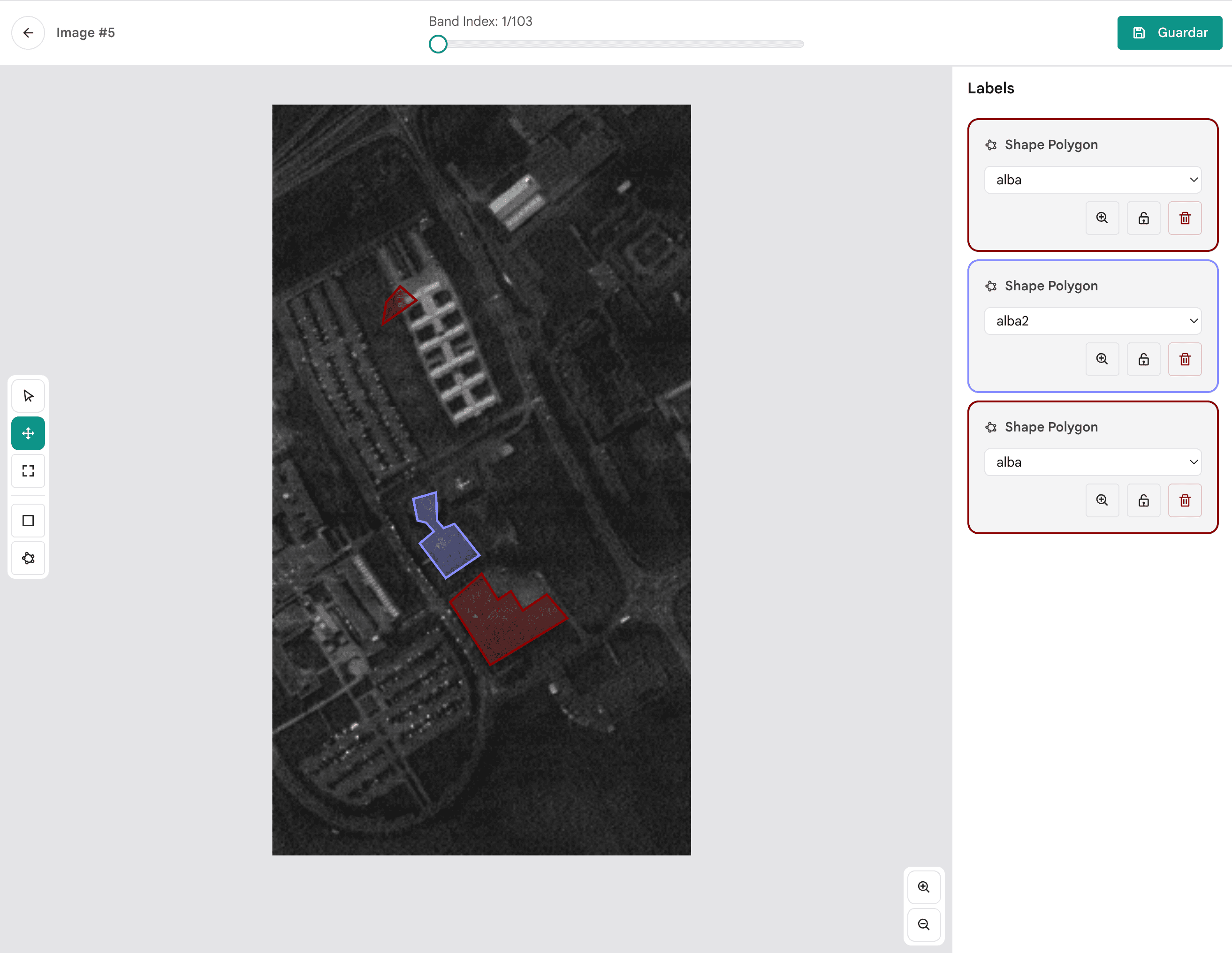
HyperLabel is the annotation module. You work with .mat today; ENVI support is planned for a future release. Explore bands interactively and draw polygons (or equivalent regions) to assign classes on the ground before training. It is the bridge between raw hyperspectral products and supervised learning in HyperIA.
Use HyperLabel when you need reliable labels and want to visualize spectra and spatial context while annotating.
HyperDrones
Not available yet
HyperDrones is not ready yet. The UI and workflows below are planned; release timing will be announced here and in the app. You can still read the docs to see what we are building.
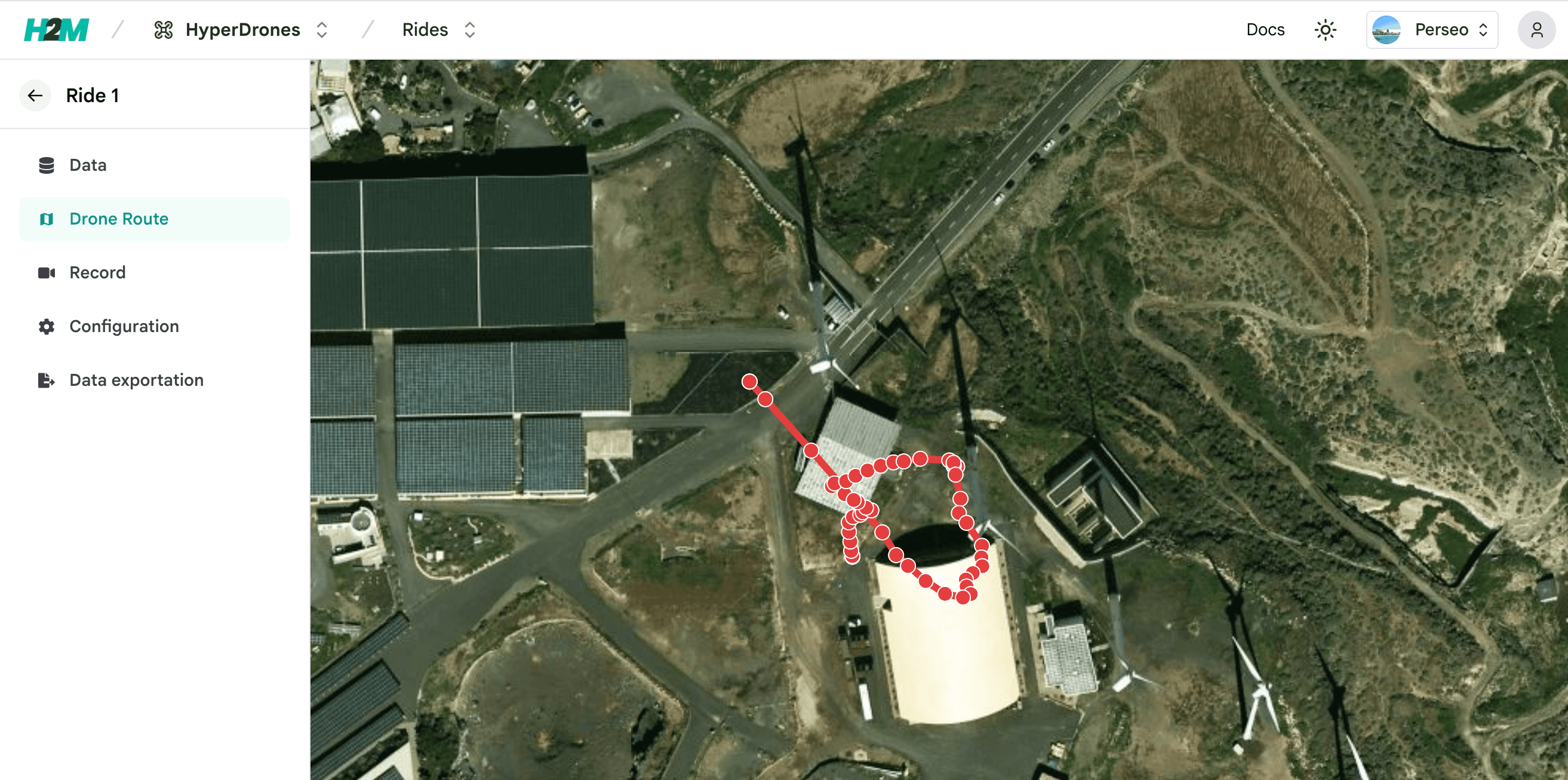
HyperDrones will target drone-acquired hyperspectral data with geolocation: trajectories, location-aware views, and spectral indices. It will complement HyperIA and HyperLabel when the capture platform and geography are central to your research.
When it ships, use HyperDrones for pipelines where where and how the sensor moved over the terrain matters.
Typical flow today: HyperLabel (labels) → HyperIA (training and metrics). HyperDrones will apply when your data and questions are tied to maps, flights, and indices — once the module is released. Your team will share the same project context so data and results stay centralized.
Next steps
Open a module above to follow its quick start and deeper pages (datasets, trainings, raw data, rides, uploads, and more). If you are new to H2M, the Introduction page summarizes the platform goals and terminology.